WINDOWLIGHT FIELD NOTES
Make something
worth watching.
Practical field notes for the work between an idea and a finished film. Shot plans, editable briefs and decisions that survive the edit.
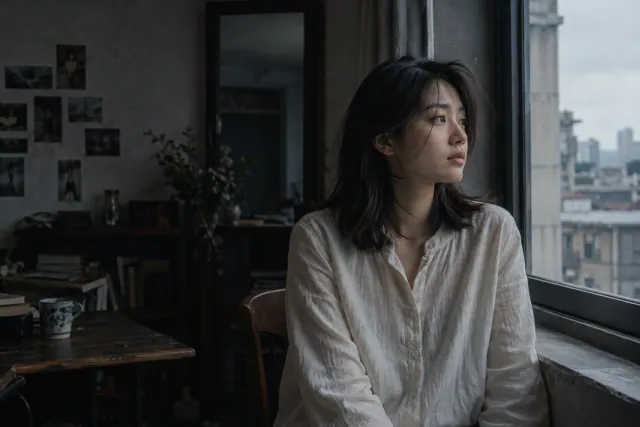 FIELD NOTE / 01
GROK · 6 MIN READ
Grok Imagine Video Tutorial: Make Your First Usable Shot
A practical Grok Imagine video tutorial: choose your starting image, copy a motion brief, fix face drift and assemble three shots into a coherent scene.
Read the field note ↗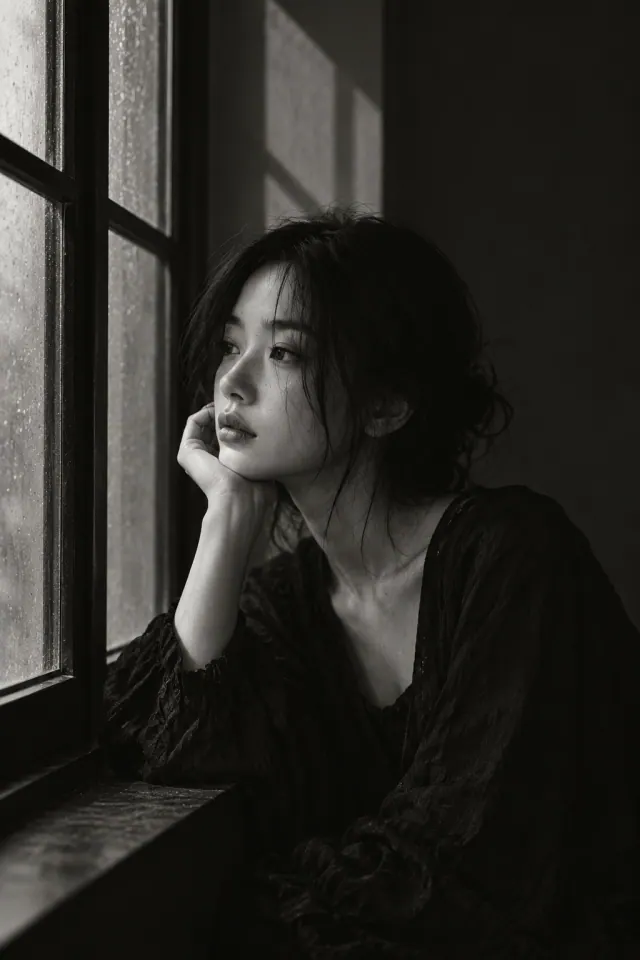 FIELD NOTE / 02
WORKFLOW · 7 MIN READ
How to Make an AI Short Film: A 60-Second Story Plan
Make an AI short film with a six-shot storyboard, character continuity notes, editable prompts and a sound-first editing plan. Start with one person and one room.
Read the field note ↗ FIELD NOTE / 03
WORKFLOW · 8 MIN READ
AI Video Ads: A 15-Second Product Ad You Can Plan and Test
Plan AI video ads with a 15-second shot list, three hook variants, a product-accuracy checklist and a practical client delivery scope. Includes an editable brief.
Read the field note ↗GROK · 5 MIN READ
Grok Image-to-Video Prompts: 3 Templates and Common Fixes
Copy portrait, product and landscape motion prompts for Grok image-to-video. Choose a starting image and diagnose face drift, unwanted motion and crop problems.
Read the field note ↗GROK · 2 MIN READ
Grok Imagine Image Prompts: 3 Portrait Templates and Lighting Examples
Copy three Grok image prompt templates, compare window-light references, and troubleshoot plastic skin, missing backgrounds and unnatural color.
Read the field note ↗FIELD NOTE / 06GROK · 7 MIN READ
Grok Character Consistency: A Three-Shot Reference Workflow
Plan consistent Grok characters with an identity sheet, three shot briefs and a continuity checklist. Diagnose face drift without promising identical results.
Read the field note ↗GROK · 6 MIN READ
Grok Imagine Video Not Working? A Step-by-Step Checklist
Check Grok video tasks stuck processing, missing images, playback problems and face drift. Find the right next step before submitting another paid request.
Read the field note ↗GROK · 2 MIN READ
Grok Imagine cost planning: calculate cost per usable clip
Compare video generation costs using the selected mode, attempts, editing work and usable outputs instead of an isolated headline price.
Read the field note ↗SEEDANCE · 2 MIN READ
Seedance video prompts: turn a scene idea into a shot brief
Structure a Seedance scene around subject, action, camera and sound, with a practical example and a review checklist.
Read the field note ↗SEEDANCE · 2 MIN READ
Seedance Reference Images: Role Worksheet, Prompts and Common Fixes
Prepare character, product and environment references with clear roles, consistent appearance and a practical preflight checklist.
Read the field note ↗SEEDANCE · 2 MIN READ
Seedance vs Kling: compare the workflow your project needs
A decision checklist for comparing Seedance and Kling using input requirements, shot structure, output quality and cost per approved clip.
Read the field note ↗KLING · 2 MIN READ
Kling Image-to-Video: 3 Prompt Templates and First-Frame Fixes
Prepare a Kling starting image, copy portrait or cup-action prompts, and check compatible start/end frames with a visual reference and troubleshooting table.
Read the field note ↗KLING · 2 MIN READ
Kling Camera Movement Prompts: Push-In, Tracking and Orbit Templates
Distinguish common camera moves, write a clear path and diagnose when a camera instruction changes the subject instead.
Read the field note ↗KLING · 2 MIN READ
Kling multi-shot storyboards: make three shots tell one action
Plan a short Kling multi-shot sequence with distinct shot jobs, continuity notes and a clear end point.
Read the field note ↗GROK · 2 MIN READ
Grok vs Kling for video: a practical evaluation worksheet
Compare Grok Imagine and Kling for a real video task using the same references, spending limit and acceptance criteria.
Read the field note ↗WORKFLOW · 2 MIN READ
An AI video storyboard workflow for a short product story
Move from a message to a shot list, reference pack and review checklist before spending on video generation.
Read the field note ↗WORKFLOW · 2 MIN READ
AI video prompts for product shots: protect the details that sell
Prepare a product video brief around shape, material, label and one useful motion, with a prompt you can adapt.
Read the field note ↗How these guides are written
Our prompt recipes and worksheets are editorial exercises, not generated samples or model benchmarks. Capability references name the documented version. Available models, controls and prices depend on the service you use.
For lighting and color, explore our portrait reference guides.