THE FIELD NOTES / SEEDANCE
Seedance Reference Images: Role Worksheet, Prompts and Common Fixes
Prepare character, product and environment references with clear roles, consistent appearance and a practical preflight checklist.
The short answer
Use a reference pack to remove ambiguity, not to collect every image you like. Keep subject identity, environment and motion guidance separate, and resolve conflicts before generating.
Read the reference before writing the prompt
Existing WINDOWLIGHT style-library images, not verified outputs from the model discussed here. These are visual planning examples, not before-and-after tests.
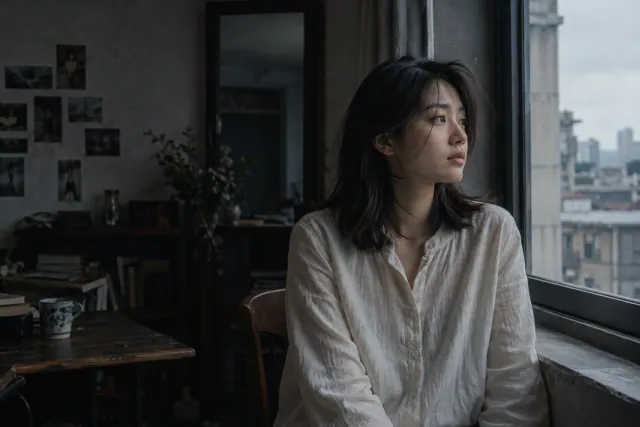
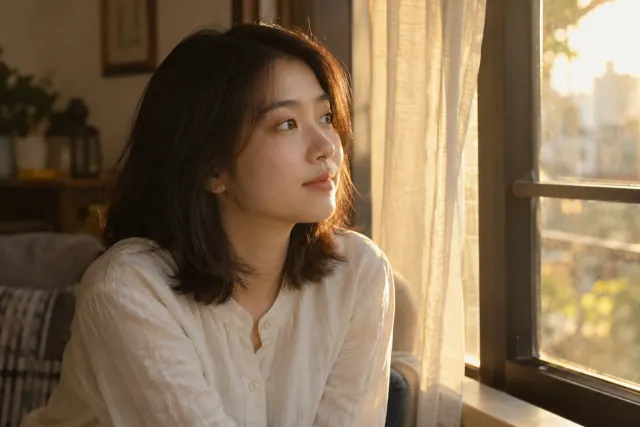
Choose one template
Make an input list before uploading: file name, intended role and details to preserve. The linked Seedance 2.0 overview describes multimodal inputs; actual upload controls depend on your service. The role labels below are planning notes, not guaranteed interface syntax.
Reference-role worksheet
Keep this in your project notes; fill it in before writing the generation prompt.
DELIVERABLE:
Selected service, model and input mode:
A — approved subject file:
Preserve from A: face / hairstyle / clothing / product details:
B — optional setting or lighting file:
Use from B only:
Conflicts to remove before upload:
Intended action and camera:
Output format and settings shown in the interface:
Approval rule:
Review: Every attached file needs one clear purpose. Remove a file if you cannot explain what it contributes.
Subject plus setting
For an interface that supports multiple references and their association with your brief; replace the file labels using its actual controls.
Use the approved subject reference for the person’s face, hairstyle and clothing. Use the room reference only for the setting and soft side-window lighting, not for a different identity. The person stands still beside the window and makes a small glance outside. Fixed camera, one continuous shot, no wardrobe change.
Review: Check whether the room reference unintentionally replaced the approved face or clothing.
Single-image fallback
For a starting-image mode when only one image is available. Prepare that complete composition first.
Animate the attached approved composition. Keep the person, clothing, room and existing light direction. The person makes one small glance toward the window, then holds still. Fixed camera. Do not introduce another subject, a new location or a wardrobe change.
Review: Confirm that the approved composition is the actual starting input, not merely a file mentioned in text.
If the result misses the brief
| Problem | Next experiment | What to inspect |
|---|---|---|
| Character picks up another outfit | Remove wardrobe conflicts and give the approved subject reference the identity role. | Check each supplied image for an unintended competing outfit. |
| Lighting switches between looks | Choose one lighting reference and remove contradictory scene descriptions. | Inspect direction and warmth throughout the clip. |
| Interface accepts fewer inputs | Use its documented mode, or prepare one approved composition first. | A file name in a prompt does not attach that file. |
Keep the source and other settings stable when testing one revision. These are suggested experiments, not measured fixes or success-rate claims.
Start with the essential subject
Choose the clearest image of the character or product that matters to the shot. Prefer an unobstructed view and readable silhouette. A heavily stylized reference may communicate mood while hiding the details needed for continuity.
For a product, check the label, proportions and material finish. For a character, check the hairstyle and clothing. If two references disagree, select the authoritative one rather than hoping the model will infer your preference.
Create a reference manifest
Write a small manifest beside the files: image A defines the subject, image B defines the location, and the written brief defines the action. Use neutral filenames that help you avoid uploading the wrong revision.
The Seedance 2.0 overview describes multimodal references, but input slots and controls vary across interfaces. Only include reference types supported by the mode in front of you. Do not disguise a motion reference as a character reference simply to fill an available slot.
Test the pack with a restrained action
Begin with a stationary camera and a modest movement. This tests whether the subject and environment are interpreted as intended before you ask for a complex sequence. Record which source files were used for each attempt.
If the result mixes locations or clothing, simplify the reference pack. Remove the conflicting image and rerun the same action. Once the baseline is coherent, introduce a larger movement or another camera angle as a separate experiment.
An editable starting brief
This is an original planning exercise, not a tested output guarantee. Adapt it to your subject and the controls available in your selected interface.
Reference plan: A is the approved olive backpack; B is the wooden tabletop and soft window lighting. Preserve the backpack silhouette and visible strap arrangement from A. Place it in the setting described by B. The backpack stays still while the camera makes a small lateral move. No scene change.
Before you approve the result
- Each file has a stated role and permission to use it.
- The references agree on the identity-critical details.
- The selected mode actually supports the intended inputs.
Will adding more references always improve the output?
No. Additional references can introduce competing visual instructions. Add a reference only when it resolves a specific uncertainty you can identify in the result.
Official capability references
Editorial reviewed October 28, 2026. Feature availability varies by model, version and interface. These references do not imply affiliation with the model providers.